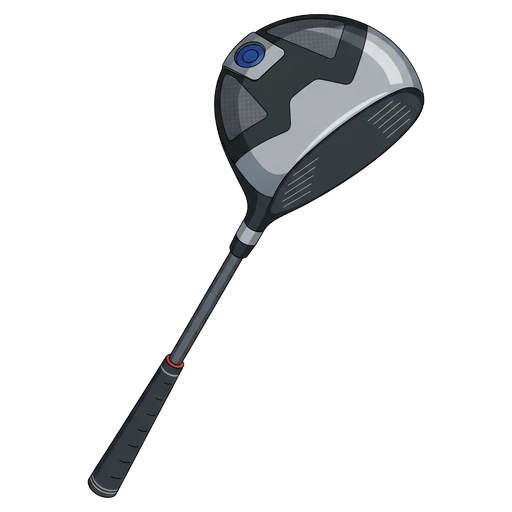
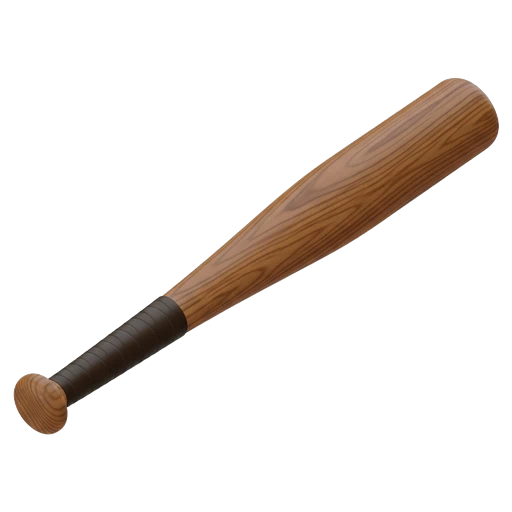
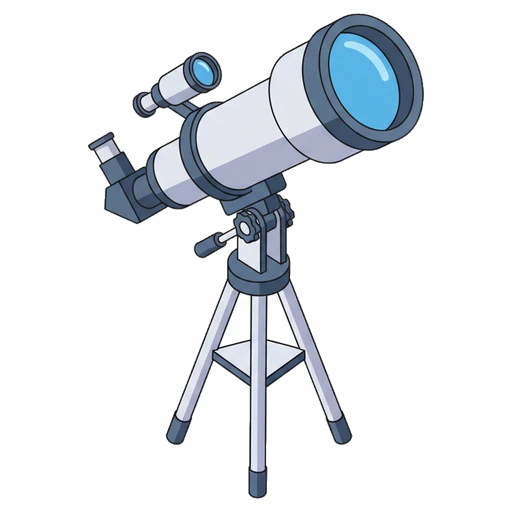
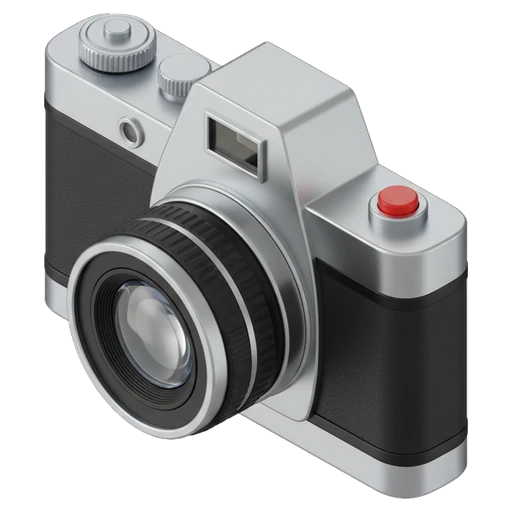
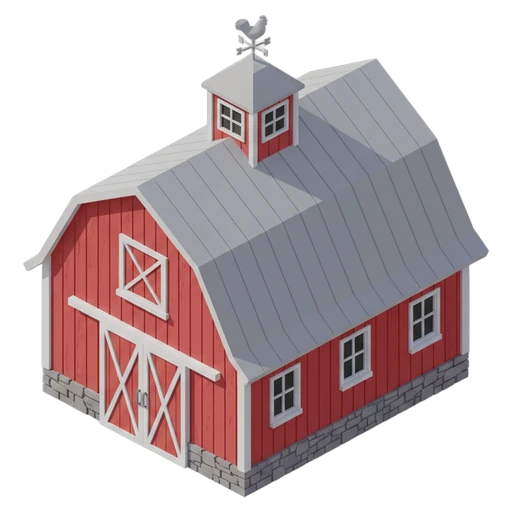
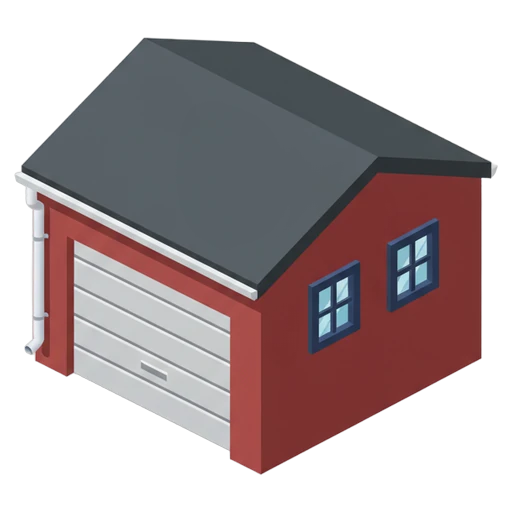
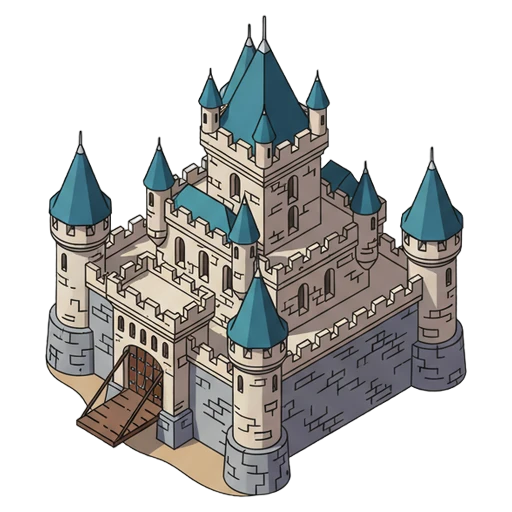
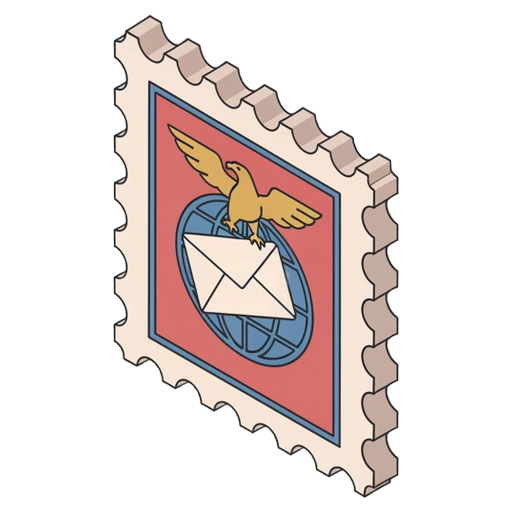
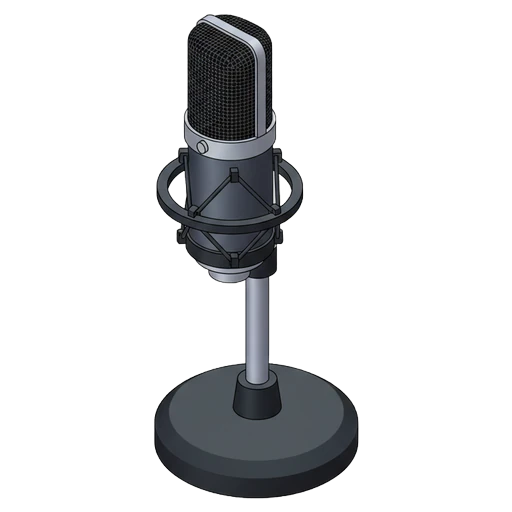
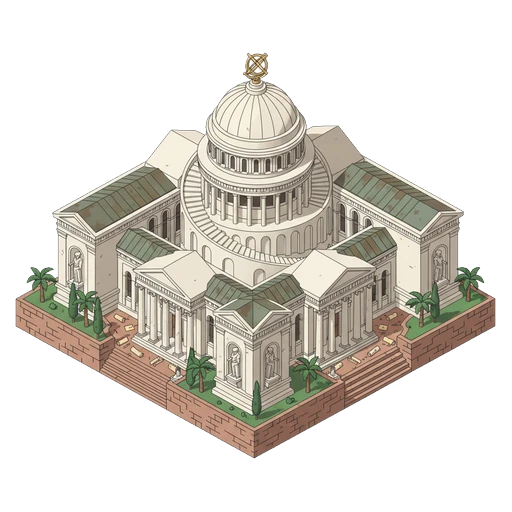
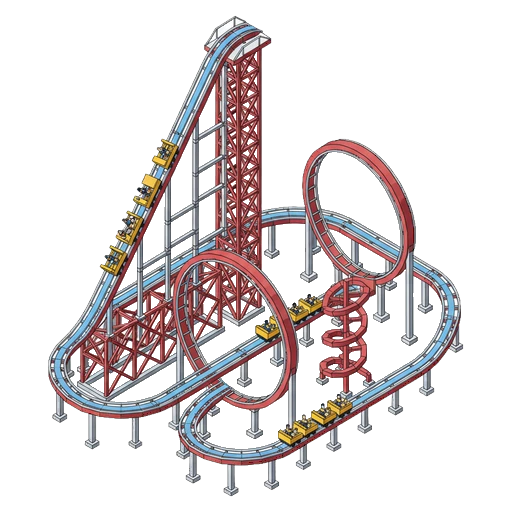
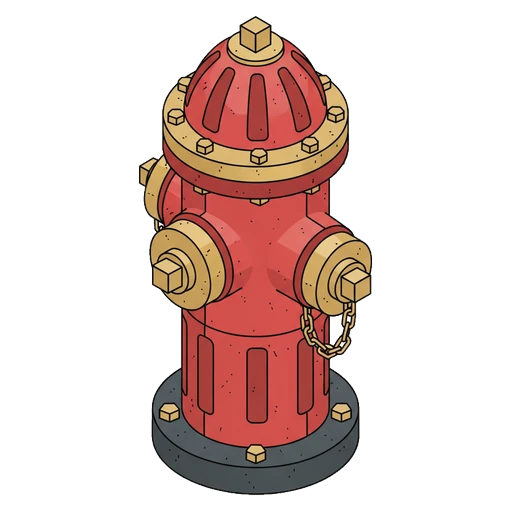
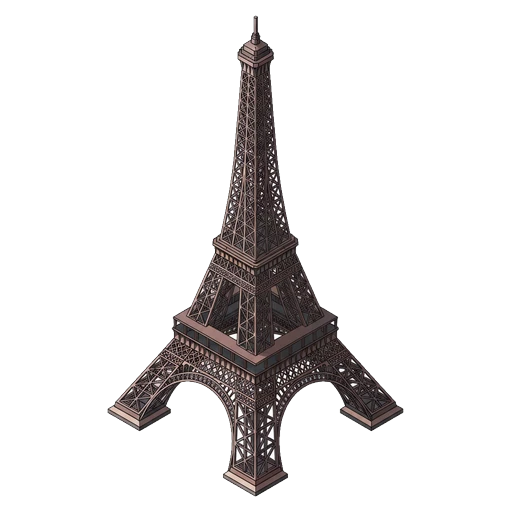
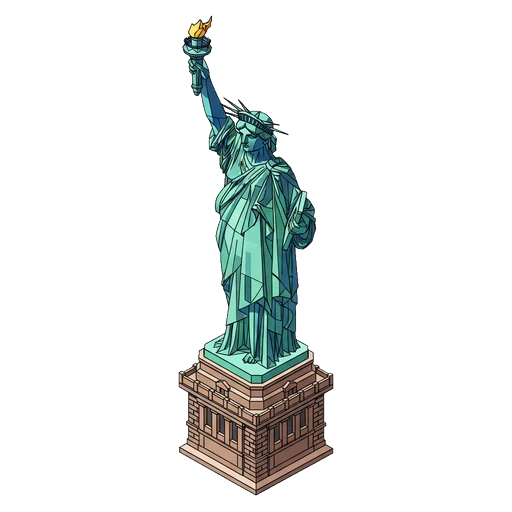
Generate icons for game UI, inventory systems, and HUD elements with AI. Pixel art and isometric styles built in, plus three more. Refine with editing tools until every asset is perfect.
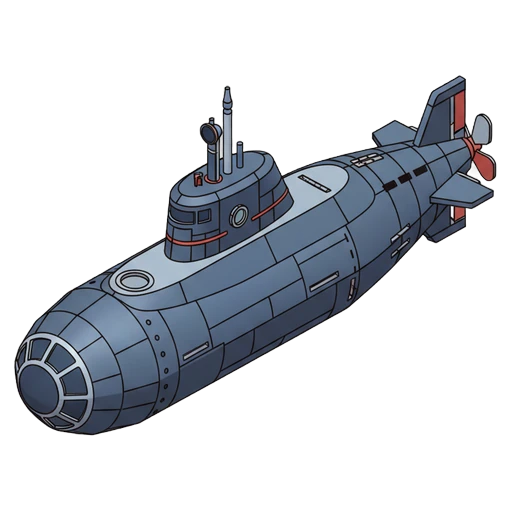
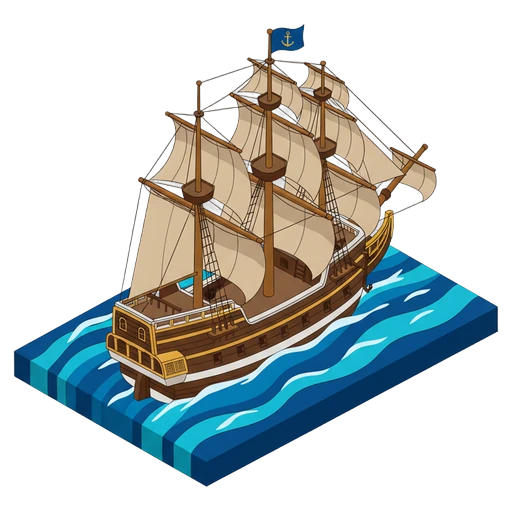
Pixel art delivers authentic retro aesthetics. Isometric gives you 3D-perspective assets. Plus line, solid, and outline styles for UI elements, menus, and settings screens.
Recolor icons to match your game's palette, adjust line thickness for visual weight, smooth edges for clean rendering, and crop to remove excess whitespace.
Apply any color with hex codes or the built-in picker.
Adjust line weight to match your design system.
Reduce jagged edges for clean UI rendering.
Auto-center and remove whitespace.
Iconly is more than an icon generator. Create SVG illustrations for game marketing, turn game assets into social media graphics, and build email templates for player engagement — all from the same platform.
Generate icons, social graphics, email templates, and more — all programmatically from any language. Build pipelines, integrate with CI/CD, or power your own products.
Download a skills file to give your AI coding assistant full knowledge of the Iconly API. Claude, Cursor, Copilot, or any LLM-powered tool can use these to build with Iconly autonomously.
Generate, post-process, and manage icons
Generate social media creatives
Generate and manage SVG vectors
Generate responsive HTML emails
Or fetch via command line:
curl -o iconly-skills.zip https://iconly.ai/docs/api/skills-bundle/
Games eat icons at a rate no other product category matches. A loot-based game easily needs 500+ inventory icons; a skill-tree RPG adds another 200+ ability icons; a mobile F2P title layers on buffs, debuffs, currencies, rewards, and achievements. Hand-drawing that volume is weeks of work; stock packs never quite match your game's art style. Iconly generates the exact style you need at the volume you need it.
Unlike general-purpose AI tools like Midjourney or DALL-E, Iconly has dedicated Pixel Art and Isometric styles tuned for games. The pixel style produces authentic retro-style icons (not fake-pixel-on-anti-aliased-art), and isometric nails the 2:1 projection common in strategy and tile-based games.
Custom templates lock your game's specific style — stroke weight, palette, level of detail — and every new icon inherits it. Reference mode passes a specific icon as a style guide, so your 450th potion icon still matches your 3rd potion icon. This is the difference between shipping a coherent game and a visual mess.
PNG and WebP exports at any size (32px, 64px, 128px, 256px, 512px) with transparent backgrounds, plus SVG for engines that support vectors natively. Drop icons straight into Unity's Assets folder, Unreal's Content Browser, or Godot's asset pipeline — no background removal, no format conversion.
Same platform produces your Steam capsule art thumbnails, App Store screenshots, social promo posts, and launch email — all in your game's visual style because they share the same brand profile. Teams shipping mobile games appreciate consolidating the "game art" and "marketing art" pipelines into one tool.
Yes. Iconly generates game UI icons (HUD, inventory, skill trees, ability icons, buffs/debuffs, currency) in styles that match your game's art direction — pixel art, isometric, hand-drawn, flat, and more. Use custom templates to keep style consistent across hundreds of items, and export as PNG or SVG for Unity, Unreal, Godot, and other engines.
Yes — both are built-in icon styles. Pixel art generates authentic 8-bit and 16-bit retro-style icons ideal for retro games, roguelikes, and pixel indie titles. Isometric generates 3D perspective icons for tile-based games, strategy titles, and city builders. Both styles maintain consistency across large sets using custom templates and reference mode.
Unity and Unreal typically use PNG with alpha at multiple resolutions (32x32, 64x64, 128x128, 256x256, 512x512). Godot supports PNG and SVG natively. Iconly exports PNG and WebP at any size, and Vector Studio generates clean SVG markup. All export formats have transparent backgrounds by default so you can drop icons into engines without background removal.
Yes. Every icon generated on a paid Iconly plan comes with a full commercial license — you can ship them in paid, free-to-play, premium, and subscription games with no attribution required. Unlike stock pack sites that limit redistribution, Iconly icons are yours to use in published titles on Steam, App Store, Google Play, or any other platform.
A small indie game typically needs 50-150 icons (inventory items, UI actions, status effects, skill icons). A mid-sized game with progression systems can need 300-800+. Iconly's batch workflow and custom templates make producing sets of this size feasible for solo developers — see the batch icon generation guide for the full workflow.
Start with 300 tokens + a 3-day trial.
300 tokens + 3-day trial.