Premium Quality
See what users are creating
Real icons generated by Iconly users, published to our public library.





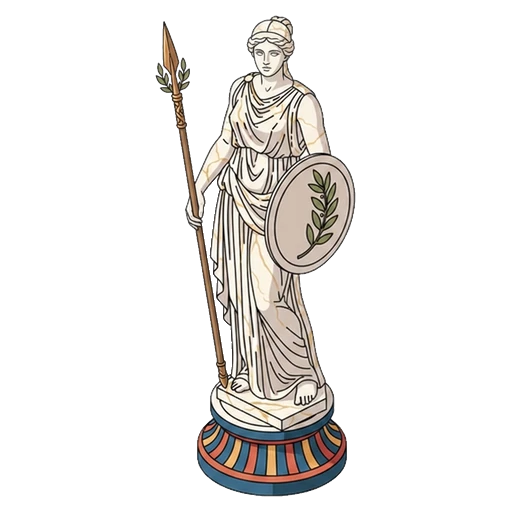
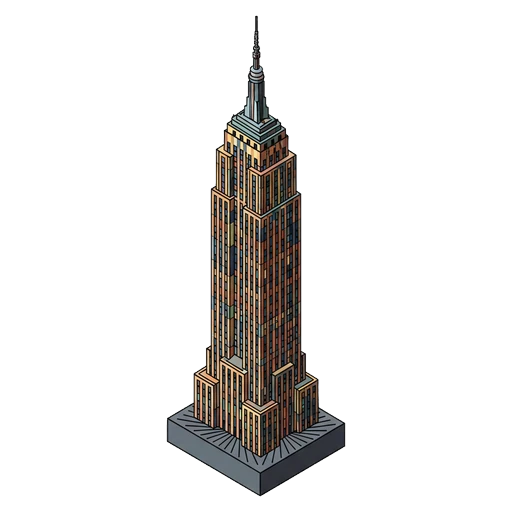
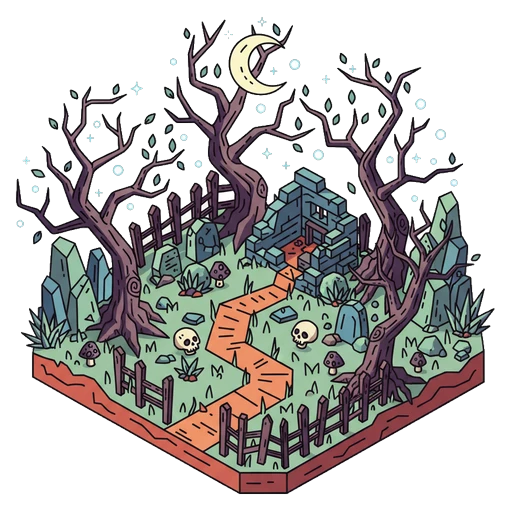
Describe any icon in plain English and get professional results in seconds. 20+ built-in styles, custom templates, eight editing tools, and AI-powered refinement.
Enter a single text description and generate icons in any of 20+ built-in styles. Create infinite more with custom templates — from clean line art to detailed isometric and beyond.
Eight in-browser tools for precise control over your icons
Apply any color with hex codes or the built-in color picker.
Adjust line weight to match your design system.
Reduce jagged edges with five smoothing algorithms.
Remove whitespace and center icons automatically.
Flood-fill removes backgrounds with a single click.
Brush-based eraser for precise cleanup of artifacts.
Not quite right? Attach your generated icon and describe what to change. The AI refines your icon while preserving the original style.
Go beyond the 20+ built-in styles. Create reusable custom style templates with your own prompts, color modes, and automatic post-processing settings.
Export icons as high-quality PNGs, save to your personal library, or deploy directly to your website with our global CDN and a single script tag.
<script defer src="https://cdn.iconly.ai/iconly.js"></script>

<i class="ci-line ci-rocket ci-lg"></i>Real icons generated by Iconly users, published to our public library.
Generate icons, social graphics, email templates, and more — all programmatically from any language. Build pipelines, integrate with CI/CD, or power your own products.
Download a skills file to give your AI coding assistant full knowledge of the Iconly API. Claude, Cursor, Copilot, or any LLM-powered tool can use these to build with Iconly autonomously.
Generate, post-process, and manage icons
Generate social media creatives
Generate and manage SVG vectors
Generate responsive HTML emails
Or fetch via command line:
curl -o iconly-skills.zip https://iconly.ai/docs/api/skills-bundle/
Start with 300 free tokens + a 3-day free trial.
300 free tokens + 3-day free trial.