Key takeaways: Iconly's Ad Creative Generator transforms your icon library into platform-ready ads for Facebook, Instagram, TikTok, and more. The AI handles layout composition, copy generation, and color harmony automatically across feed (1200x628), square (1080x1080), and story (1080x1920) formats. Provide specific context for the best results, use 2-4 related icons for comparison ads, and export as PNG, text, or raw HTML.
You've created the perfect icons for your brand. Now what? Those icons sitting in your library could be powering scroll-stopping ads across Facebook, Instagram, and beyond - if you knew how to turn them into professional ad creatives.
This tutorial shows you exactly how to transform your icon library into platform-ready ad creatives using Iconly's Ad Creative Generator.
What You'll Create
Starting with just two icons - a Saturn V rocket and a SpaceX Starship - we'll generate a complete ad campaign with creatives for every major format:
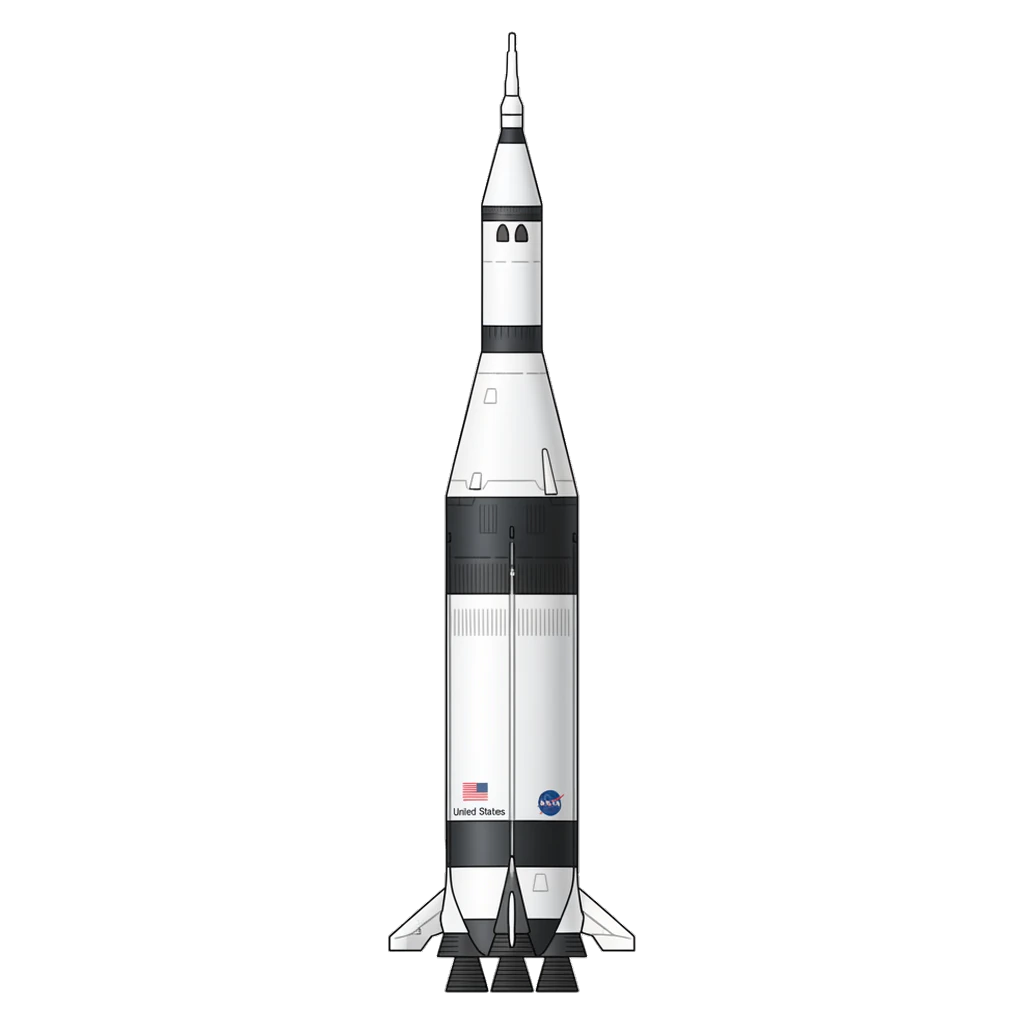
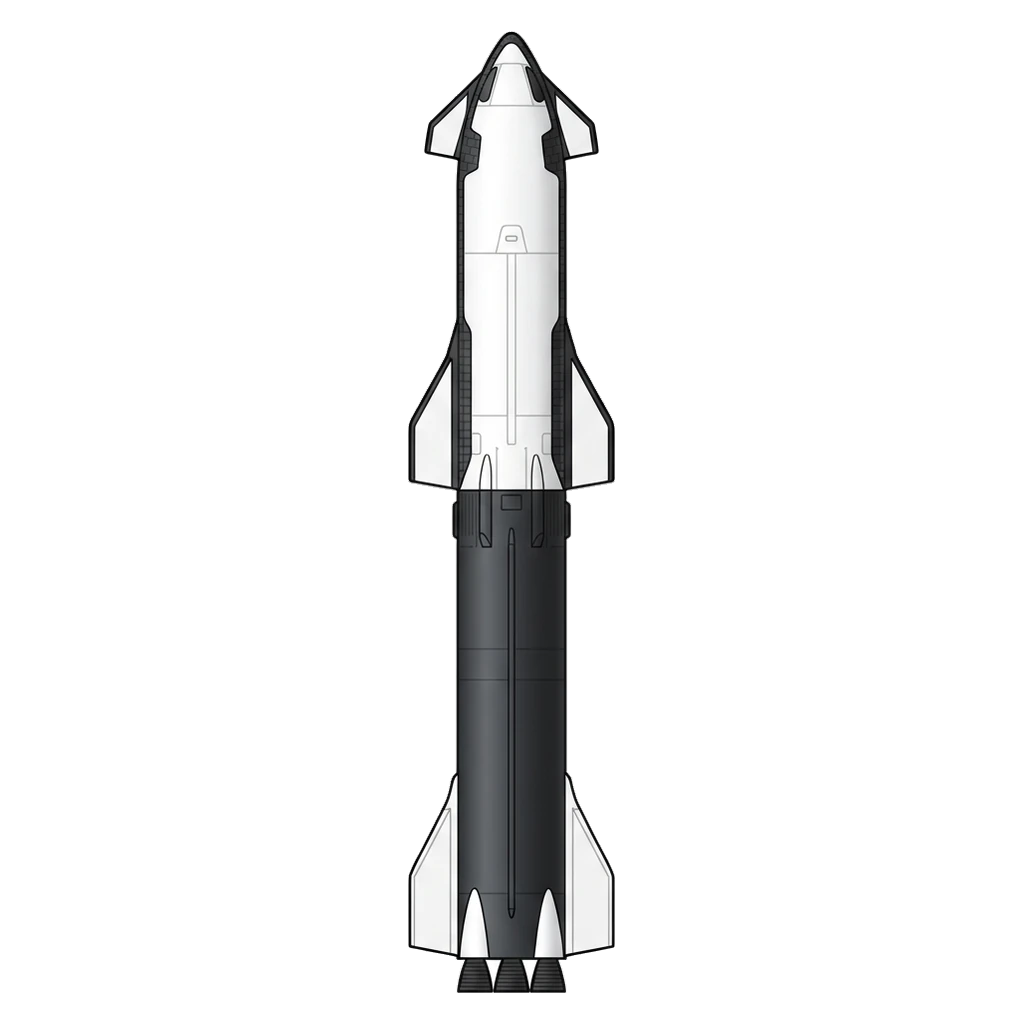
These two icons become the foundation for professional ad creatives across three formats.
The Results: Three Ad Formats From Two Icons
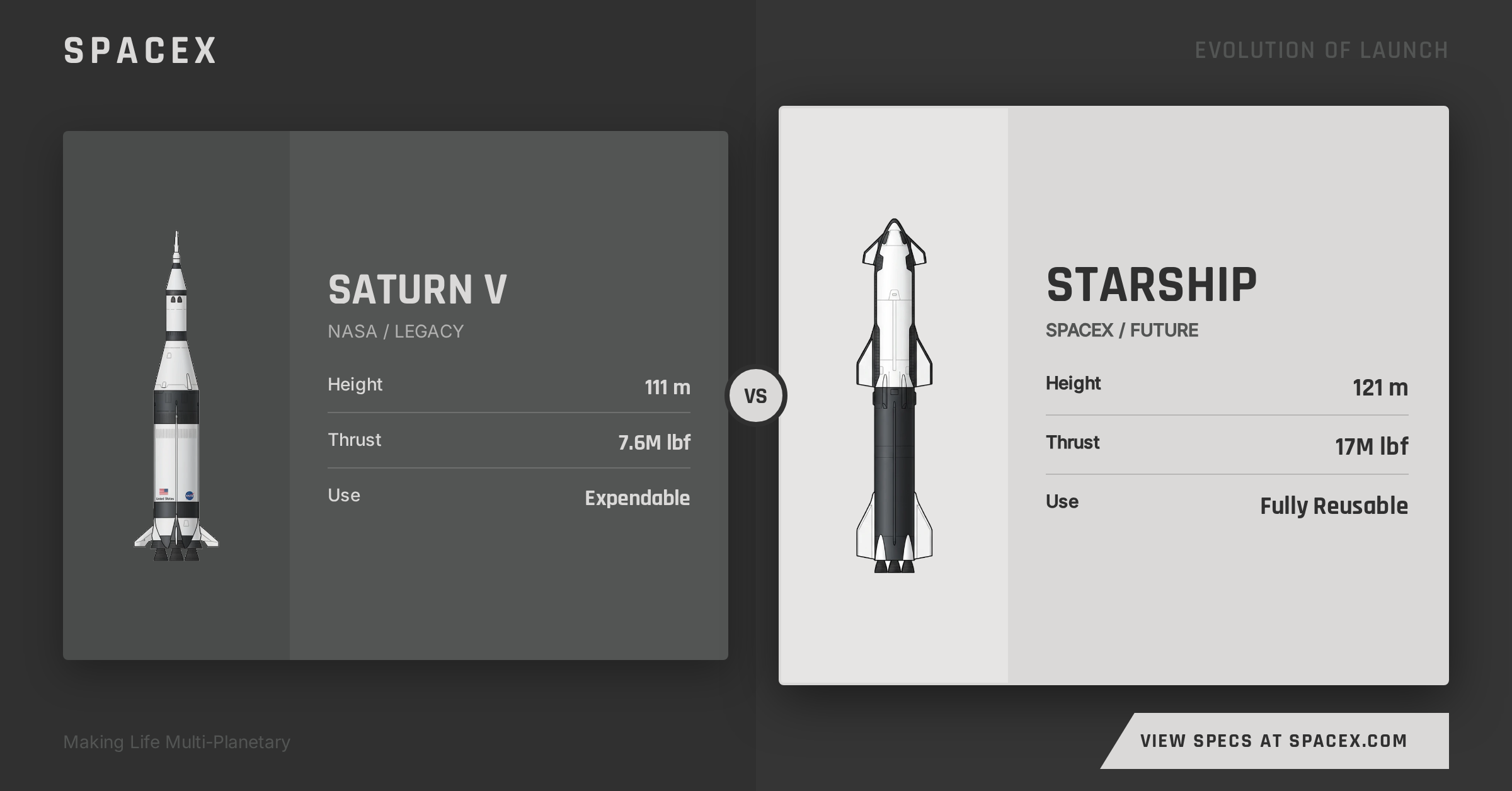
Facebook Feed (1200 x 628)
The horizontal feed format is optimized for desktop and mobile news feeds. The AI automatically positions your icons, generates compelling copy, and creates a cohesive design.
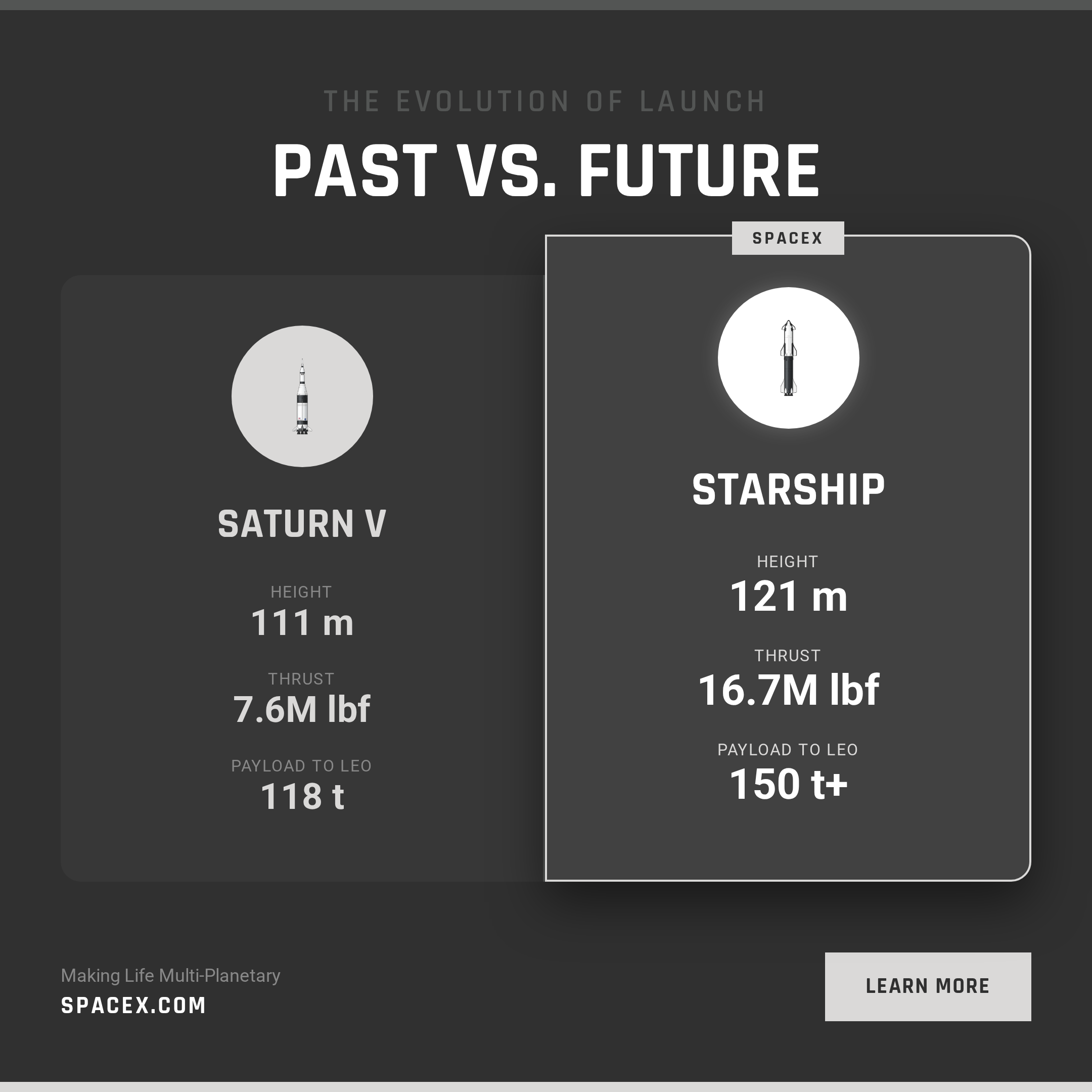
Square Post (1080 x 1080)
Square format works everywhere - Instagram feed, Facebook, LinkedIn, and more. The AI adapts the layout to maximize visual impact in the square frame.
Story Format (1080 x 1920)
Vertical story format for Instagram Stories, Facebook Stories, TikTok, and YouTube Shorts. The tall format gives room for immersive, scroll-stopping content.
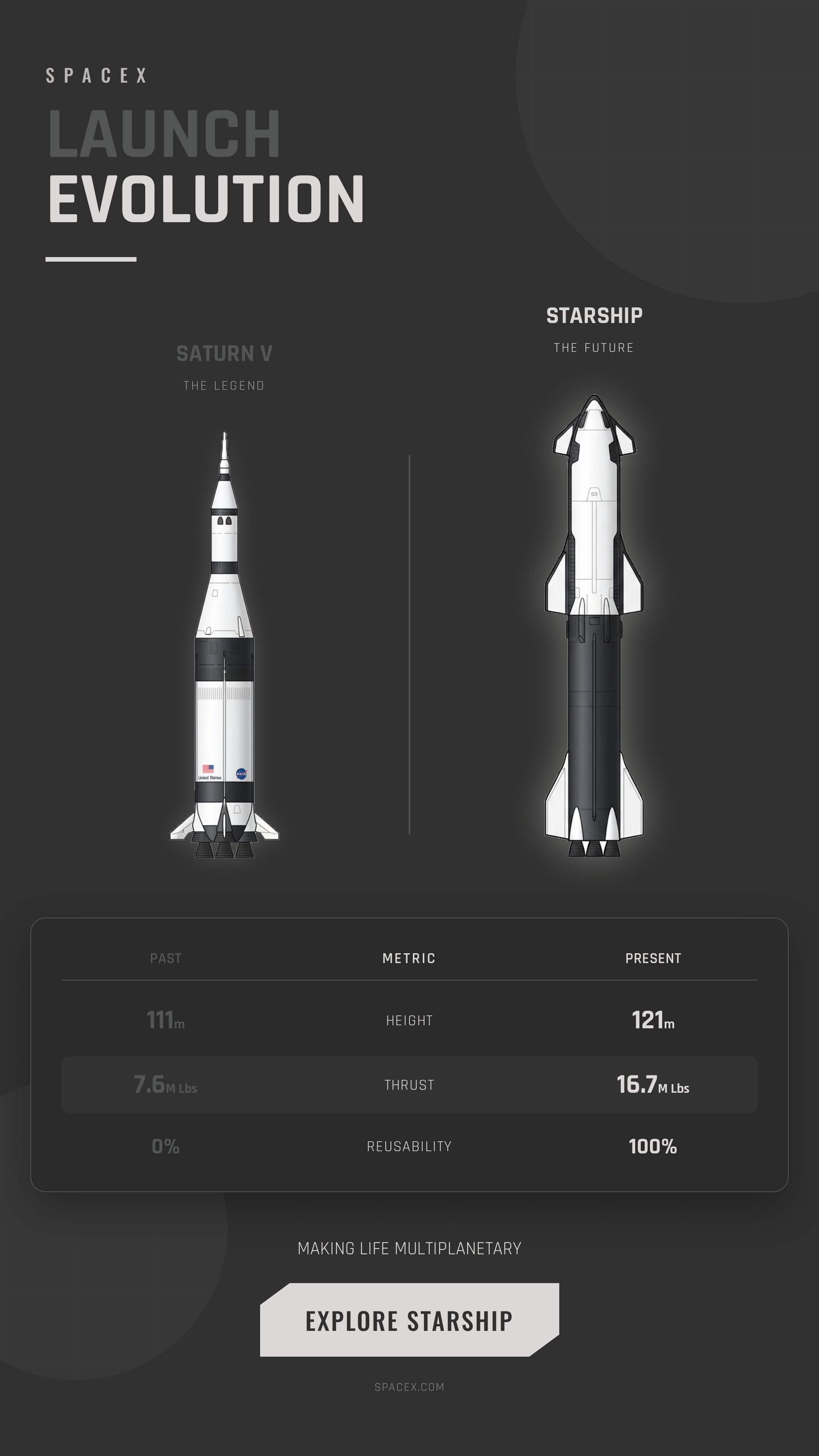
How It Works: Step by Step
Here's the exact process to turn your icons into ad creatives:
Step 1: Select Your Platform
Choose your target platform - Facebook or Instagram. Each platform has specific format requirements and best practices that the AI accounts for automatically. See our features overview for all supported platforms.
Step 2: Attach Your Icons
Select icons from your library or attach an entire icon set. The AI analyzes your icons to understand their style, colors, and subject matter.
Pro tip: Attach 2-4 related icons for comparison ads, or a single hero icon for product-focused creatives.
Step 3: Describe Your Context
Tell the AI what you're advertising. For our rocket example, the context was:
"SpaceX ad comparing Saturn V to Starship - evolution of launch technology, highlighting Starship's reusability and increased payload capacity"
The more context you provide, the better the AI can craft relevant copy and layouts.
Step 4: Set Brand Colors (Optional)
Choose primary, secondary, and accent colors to match your brand. Or let the AI extract colors from your icons for a cohesive look.
Step 5: Generate
Click generate and the AI creates multiple format variations simultaneously. Each format is optimized for its specific platform requirements.
What the AI Handles Automatically
The ad creative generator isn't just resizing your icons - it's making intelligent design decisions:
Layout Composition
Automatically positions icons, text, and CTAs for maximum visual impact in each format.
Copy Generation
Writes headlines, body copy, and CTAs tailored to your context and platform.
Color Harmony
Applies your brand colors consistently while ensuring text readability and visual hierarchy.
Format Optimization
Creates pixel-perfect outputs for each platform's exact specifications.
Exporting Your Creatives
Once generated, you can:
- Download as PNG - High-resolution images ready for upload to ad platforms
- Copy ad text - Grab individual copy elements (headlines, descriptions, hashtags) for your campaign
- Save to library - Store creatives for later editing or reference
- View HTML source - Access the raw HTML/CSS for custom modifications
Best Practices for Icon-Based Ads
Choose Icons That Tell a Story
The best icon-based ads use icons as visual shorthand. Our rocket comparison works because the icons immediately communicate "old vs new" before anyone reads the text.
Keep Context Specific
Vague contexts produce generic ads. Compare:
| Weak Context | Strong Context |
|---|---|
| "Rocket ad" | "SpaceX comparing Saturn V to Starship - evolution of launch technology, reusability advantage" |
Use Consistent Icon Styles
Ads look more professional when all icons share the same visual style. If you're using line icons, use line icons throughout. Mix styles only intentionally. Browse our public icon library for consistent, style-matched sets.
Test Multiple Formats
Generate all formats, then test which performs best for your audience. Story format often outperforms on mobile, while feed format excels on desktop.
From Library to Campaign
The workflow from icon to ad campaign is now remarkably short:
- Generate your icons with AI or upload existing ones
- Refine with editing tools (recolor, adjust thickness, crop)
- Save to your icon library
- Create ad campaigns directly from your library
- Export and deploy to your ad platforms
What used to require a designer, multiple tools, and days of iteration now takes minutes. Explore our pricing plans to find the right tier for your ad creative needs.
Try It Yourself
Ready to turn your icons into ad creatives? The Ad Creative Generator is available to Pro and Max subscribers. Start with icons from your library or generate new ones - then watch them transform into professional, platform-ready ads. You can also create email signature icons and brand identity assets from the same library.
Your icon library is more valuable than you think. Put it to work.
Frequently Asked Questions
How do I turn my icons into ad creatives?
You can turn icons into ad creatives using Iconly's Ad Creative Generator. Select your target platform (Facebook or Instagram), attach your icons, provide context about what you are advertising, optionally set brand colors, and click generate. The AI creates multiple format variations simultaneously, including feed, square, and story formats optimized for each platform.
What ad formats can I create from icons?
You can create three main ad formats from your icons: Facebook Feed ads at 1200x628 pixels for desktop and mobile news feeds, Square Post ads at 1080x1080 pixels for Instagram, Facebook, and LinkedIn, and Story Format ads at 1080x1920 pixels for Instagram Stories, Facebook Stories, TikTok, and YouTube Shorts. Each format is automatically optimized for its respective platform requirements.
Does the AI handle layout and copy automatically?
Yes, the AI automatically handles layout composition, copy generation, color harmony, and format optimization. It positions icons, text, and calls-to-action for maximum visual impact, writes headlines and body copy tailored to your context and platform, and ensures text readability and visual hierarchy throughout the creative.
How many icons should I use in an ad creative?
For comparison-style ads, attach 2 to 4 related icons. For product-focused creatives, a single hero icon works best. The AI analyzes your icons to understand their style, colors, and subject matter, then generates layouts optimized for the number of icons you provide.
Can I export and customize the ad creatives?
Yes, you can export ad creatives in multiple ways. Download as high-resolution PNG images ready for upload to ad platforms, copy individual ad text elements like headlines and hashtags, save creatives to your library for later editing, or view the raw HTML and CSS source code for custom modifications.