Key takeaways:
- Ad copy and ad design should be generated together because message hierarchy and layout depend on each other.
- A strong AI ad workflow starts with audience, offer, proof point, tone, format, and brand constraints.
- Generate several message angles before committing to one visual layout.
- Use a saved brand profile and reusable icons so each ad variant still feels connected.
- Always review AI-generated claims, prices, dates, and CTAs before publishing.
Most AI ad workflows split copy and design into separate tasks. One tool writes headlines. Another tool makes images. Then someone has to stitch them together and hope the final ad makes sense.
That separation is the problem. Paid social creative works when the headline, visual, proof point, and call to action support the same idea. If the copy says "save five hours every week" but the design looks like a generic product announcement, the ad loses force. If the design is beautiful but the headline is vague, the viewer keeps scrolling.
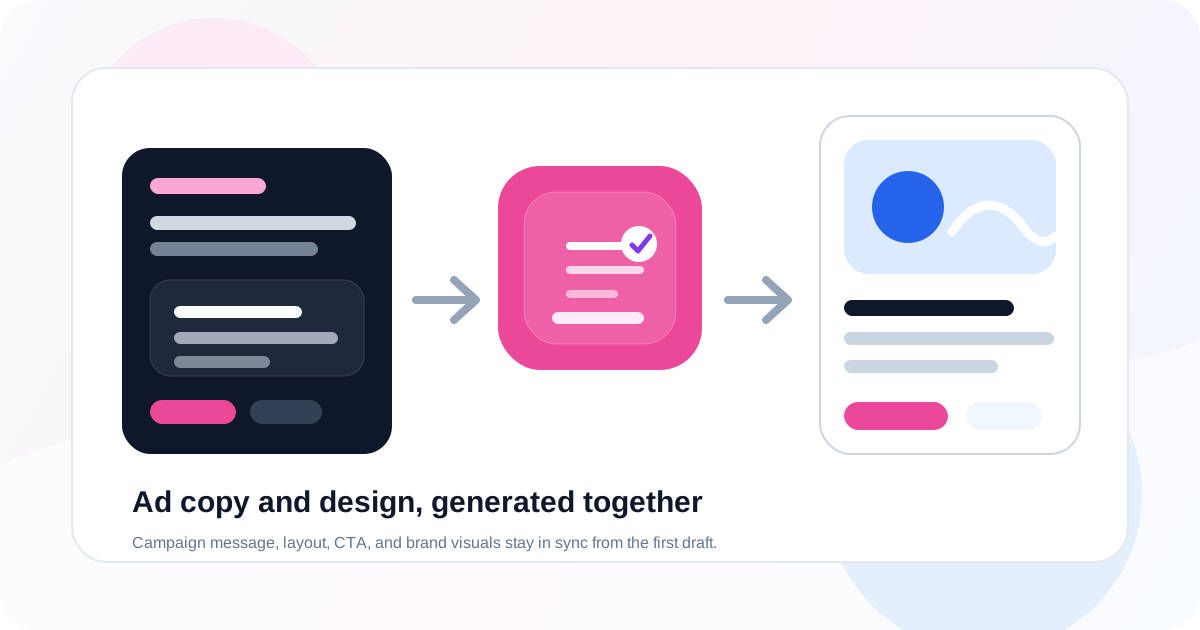
An AI ad copy and design generator solves that by treating copy and layout as one creative system. You give it a campaign brief, brand context, platform format, and offer. It generates the words and the visual structure together.
This guide shows how to use Iconly's Social Graphics Studio, Brand Studio, and reusable icon assets to create paid social ads where message and design stay aligned from the first draft.
What an AI Ad Copy and Design Generator Does
An AI ad copy and design generator creates both the written and visual parts of an ad from the same source brief. A good tool should help with:
- Hooks: the opening idea that earns attention.
- Headlines: the main visual message.
- Supporting copy: short proof points, benefits, or context.
- Calls to action: button text or action language.
- Visual hierarchy: where the viewer looks first, second, and third.
- Brand styling: colors, typography direction, icons, and visual tone.
- Format adaptation: square, story, portrait, landscape, and other paid social sizes.
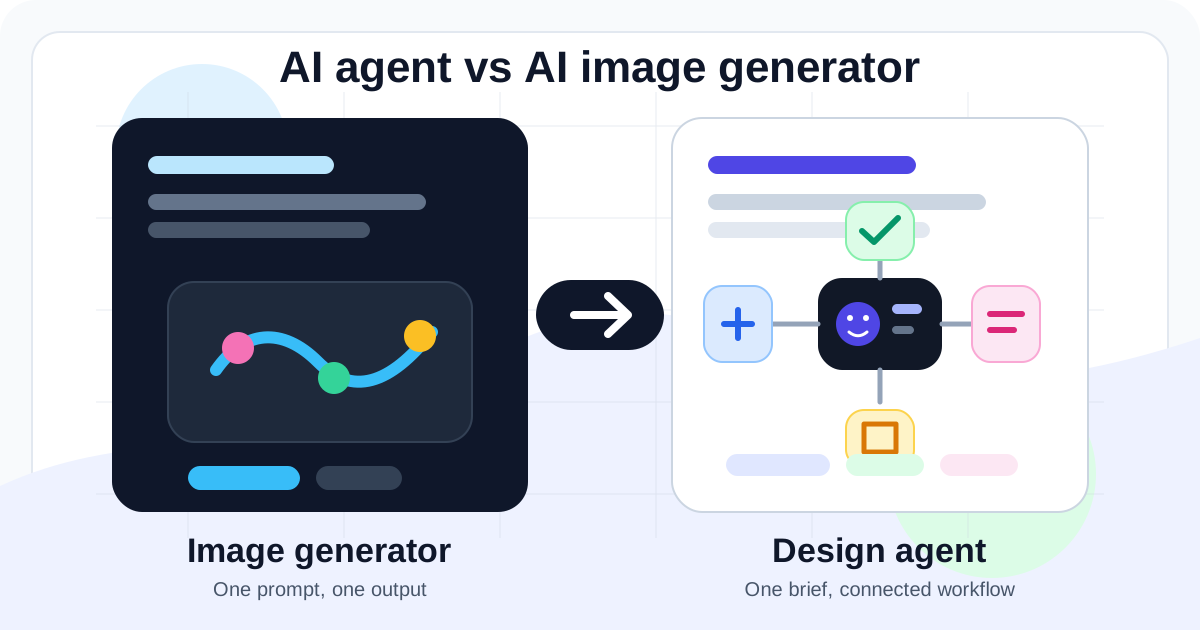
This is different from a generic AI image generator. A general image tool might make a nice background. An ad copy and design generator needs to understand marketing structure: offer, audience, proof, objection, CTA, and placement.
If you are comparing the broader tool category, start with our guide to the best AI ad creative generators in 2026.
Why Copy and Design Belong Together
Ad copy is not just text placed on top of a design. It determines the layout.
A short urgency headline needs a different composition than a feature-led headline. A discount ad needs strong price or percentage hierarchy. A webinar ad needs date and time clarity. A SaaS ad might need a dashboard screenshot plus one sharp outcome. Ecommerce ads often need the product image to do more of the selling.
| Copy Goal | Design Implication | Example |
|---|---|---|
| Make a promise | Give the headline the most visual weight. | "Launch ads in minutes" |
| Show proof | Use a stat, badge, testimonial, or product result near the headline. | "Save 5+ hours weekly" |
| Drive action | Make the CTA visible but secondary to the main idea. | "Start free trial" |
| Explain value | Use a simple supporting line instead of a dense paragraph. | "Reports, charts, and summaries generated automatically" |
When AI generates the message and the layout together, the creative has a better chance of feeling intentional. The headline fits the available space. The CTA matches the visual energy. The supporting text does not fight the product image.
The Workflow
The best workflow is not "generate an ad." That prompt is too broad. Use a repeatable sequence instead:
- Write the campaign brief.
- Generate several copy angles.
- Choose the strongest message angle.
- Generate visual layouts around that angle.
- Apply brand profile, icons, and product media.
- Create platform-specific variants.
- Review copy, claims, layout, and export quality.
This mirrors how a good creative team works, just faster. Strategy first, message second, layout third, variants last.
Step 1: Write the Campaign Brief
Your brief controls the quality of the output. Include enough context for the AI to make real creative decisions.
Create paid social ad creative for a SaaS reporting product.
Audience: startup founders and growth marketers.
Problem: weekly reporting takes too long.
Offer: start a free trial.
Main proof point: save 5+ hours every week.
Tone: clear, direct, modern, slightly energetic.
Brand: use our saved blue and green brand profile.
Format: square feed and vertical story.
Goal: get users to click through to the trial landing page.
Notice what this brief avoids: it does not ask for "a cool ad" or "a professional design." It gives audience, problem, proof, CTA, tone, brand, format, and goal. That is the raw material the AI needs.
Step 2: Generate Message Angles
Before you design the ad, generate a few different copy angles. This keeps the creative from locking into the first obvious message.
| Angle | Headline Direction | Best For |
|---|---|---|
| Pain point | "Stop rebuilding reports every Friday" | Audiences aware of the problem. |
| Outcome | "Weekly reports, ready in minutes" | Simple benefit-led ads. |
| Proof | "Save 5+ hours every week" | Performance and productivity claims. |
| New feature | "Meet automated marketing reports" | Launch and announcement campaigns. |
Ask the AI for angles first, then pick one or two. You can generate visual designs for each, but do not let the tool create ten random ad concepts before you know what you are trying to say.
Step 3: Turn the Winning Angle Into Layouts
Once you choose the message angle, generate the visual layout. The prompt should tell the AI how the copy should behave in the design.
Use the proof angle: "Save 5+ hours every week."
Create a square paid social ad.
Make the proof point the largest visual element.
Use a dashboard screenshot as the product visual.
Add a short supporting line: "Automated reports for founders and growth teams."
CTA: Start free trial.
Keep the layout clean, high contrast, and mobile-readable.
For vertical formats, add placement guidance. Our guide to generating Facebook and Instagram ad sizes with AI covers size-specific layout decisions in more detail.
Step 4: Apply Brand and Reusable Assets
Brand consistency matters more as you create variants. One ad can get away with a new visual direction. A campaign cannot.
Use Brand Studio to keep the following stable:
- Primary and accent colors.
- Logo treatment.
- Typography direction.
- Visual tone.
- Approved product language.
- Icon style and supporting graphics.
If the campaign uses icons, generate or choose them before building all variants. A matching icon set can support feature bullets, proof points, and visual metaphors across the ad, landing page, and follow-up email. See our guide to generating consistent icon sets with AI for a deeper workflow.
Step 5: Create Variants Without Losing Consistency
Variant generation is where AI gets especially useful. You can test different headlines, CTAs, product images, and formats without rebuilding everything manually.
But variants should vary one or two things at a time. If every variant changes the headline, image, color palette, layout, and CTA, you will not know what improved performance.
| Variant Type | Change | Keep Stable |
|---|---|---|
| Headline test | Hook or proof point. | Layout, CTA, product image, brand colors. |
| CTA test | Button language. | Headline, visual, offer, format. |
| Format test | Square, portrait, story, landscape. | Message, brand, CTA, product focus. |
| Audience test | Problem framing or benefit language. | Offer, landing page, brand assets. |
In Iconly, you can use the same brand profile and saved assets while generating new social graphics. This keeps the campaign recognizable even when the copy angle changes.
Step 6: QA Before Export
AI makes first drafts faster, but it does not remove the need for review. Before exporting or uploading ad creative, check:
- Claim accuracy: numbers, dates, discounts, guarantees, and product names.
- CTA alignment: the button should match the landing page action.
- Mobile readability: preview at phone size, not just desktop size.
- Brand consistency: colors, logo, icon style, and tone.
- Format fit: square, story, portrait, and landscape layouts should each feel native.
- Message focus: one primary idea per ad.
- Policy sensitivity: avoid unsupported claims, personal attributes, or misleading urgency.
Simple test: cover everything except the headline and main visual. If the ad still communicates the offer and reason to click, the creative is probably focused enough.
Example Prompts
Ecommerce Sale
Create three paid social ad concepts for an ecommerce spring sale.
Audience: shoppers interested in minimalist home goods.
Offer: 25% off the spring collection.
Tone: warm, clean, premium.
Generate headline, supporting copy, CTA, and square ad layout.
Use our saved brand profile and product image.
Create one urgency angle, one product-benefit angle, and one gift angle.
SaaS Trial
Create ad copy and design for a SaaS free trial campaign.
Audience: startup founders who need faster reporting.
Proof point: save 5+ hours per week.
CTA: Start free trial.
Use a clean dashboard visual, blue/green brand colors, and a concise headline.
Generate square feed and vertical story versions with the same core message.
Webinar Registration
Generate a webinar registration ad.
Topic: AI workflows for ecommerce marketing.
Audience: ecommerce founders and marketing leads.
Include date, benefit, and CTA.
CTA: Reserve your seat.
Use an editorial but energetic visual style.
Create one landscape link ad and one square feed ad.
You can extend any of these into a broader launch workflow with AI campaign generation, then create matching email templates with the AI Email Builder.
Common Mistakes
Starting With the Visual Instead of the Offer
If the offer is unclear, better design will not save the ad. Define the audience, promise, proof point, and CTA before generating layouts.
Letting Every Variant Change Everything
AI makes it easy to produce many variants, but testing becomes messy when every variable changes at once. Keep the brand system and offer stable while testing one main idea.
Using Too Much Text
AI often writes more than a paid social visual needs. Use platform text fields for supporting detail. Keep the image itself focused on one headline, one proof point, and one CTA.
Skipping Claim Review
Never publish AI-generated claims without checking them. Dates, prices, savings, discounts, and performance promises should come from your actual campaign facts.
Forgetting the Landing Page
The ad and landing page should feel like one path. If the ad says "Start free trial," the landing page should make that action obvious. If the ad promises a discount, the landing page should show it immediately.
Frequently Asked Questions
What is an AI ad copy and design generator?
An AI ad copy and design generator creates marketing visuals and written ad copy from the same campaign brief. Instead of generating a standalone image or a standalone headline, it produces layout, message hierarchy, CTA, supporting text, and brand styling together.
Why should ad copy and design be generated together?
Ad copy and design should be generated together because the headline, proof point, product image, CTA, and visual hierarchy affect each other. A strong headline can fail if the layout hides it, and a beautiful design can fail if the message is vague.
Can AI write paid social ad copy?
Yes. AI can write paid social headlines, body copy, CTAs, hooks, and variant ideas. The best results come from clear inputs: audience, offer, product, proof point, tone, platform, and brand constraints.
How do you keep AI-generated ad copy on-brand?
Use a saved brand profile, describe the tone, provide approved claims, reuse brand colors and icons, and review every generated claim before publishing. AI should help draft and structure the ad, but final copy approval should stay human.
What should you check before publishing AI-generated ads?
Check that the offer is accurate, the CTA matches the landing page, text is readable on mobile, claims are approved, dimensions fit the placement, the logo is clear, and every format uses a consistent campaign message.
Continue reading: How to Keep Social Graphics and Emails On-Brand With AI · How to Organize AI Design Assets With a Media Library · How to Use Reference Images to Generate On-Brand Social Creatives · How to Generate Facebook and Instagram Ad Sizes With AI · AI Design Agent: Generate Icons, Social Graphics, and Emails From One Prompt