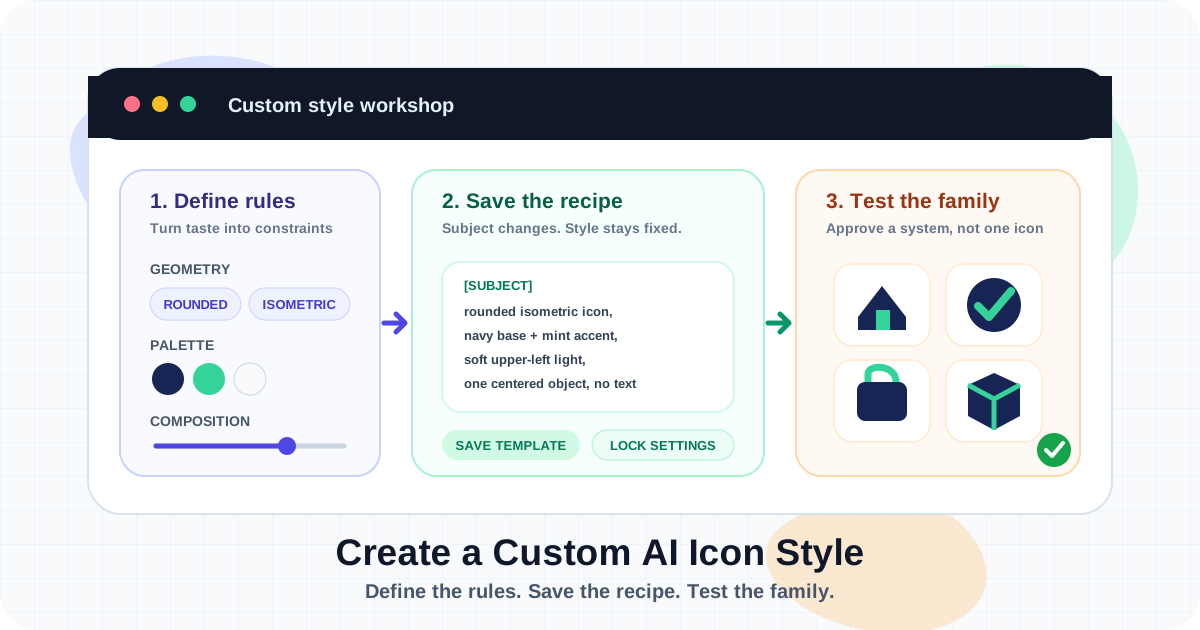
How to Create a Custom AI Icon Style: A Practical Guide
Build a repeatable custom AI icon style with a clear visual specification, prompt template, reference images, generation settings, test matrix, QA rules, and production workflow.
Hands-on, step-by-step guides covering every part of the AI design workflow — from prompting techniques and icon generation to on-brand social creatives and responsive email templates. Each tutorial is written to be followed end-to-end.
Build a repeatable custom AI icon style with a clear visual specification, prompt template, reference images, generation settings, test matrix, QA rules, and production workflow.
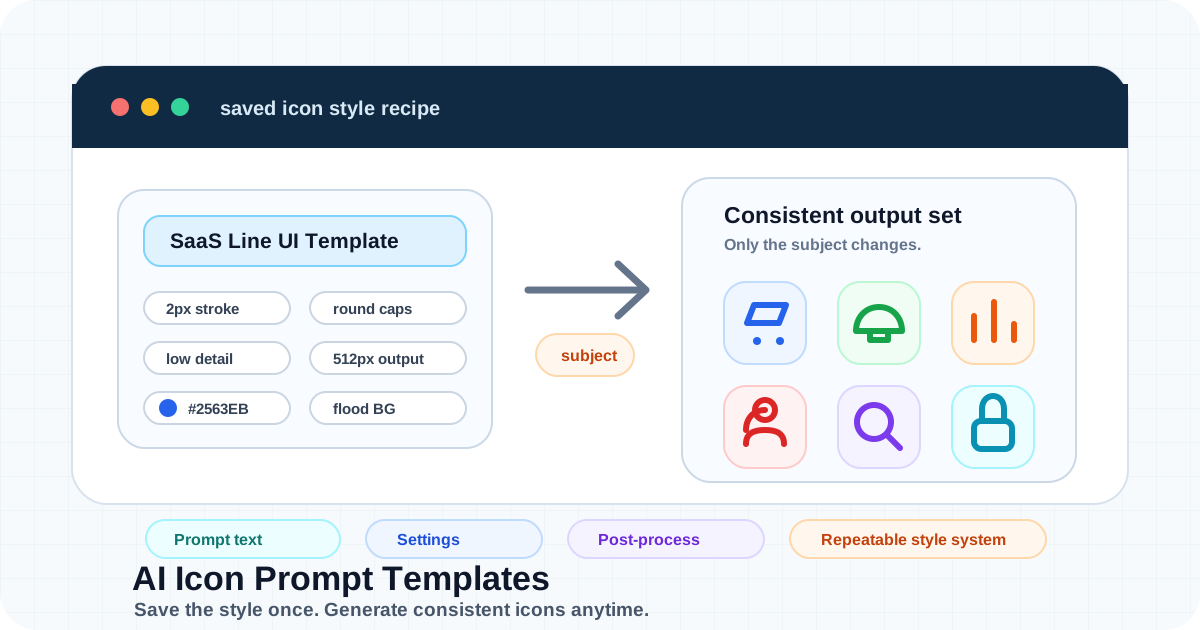
Learn how to create AI icon prompt templates that save reusable style rules, color settings, detail levels, output sizes, background handling, and post-processing for consistent icon generation.
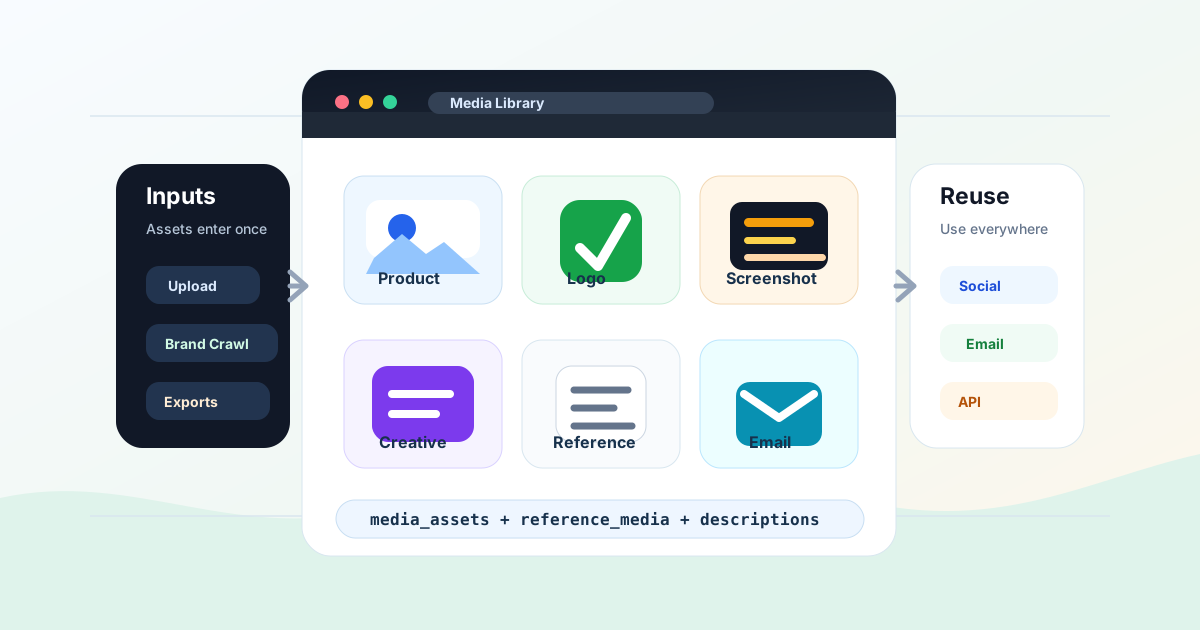
Learn how to organize AI design assets with a media library, including product photos, logos, screenshots, generated social creatives, reference images, descriptions, API workflows, and cleanup rules.
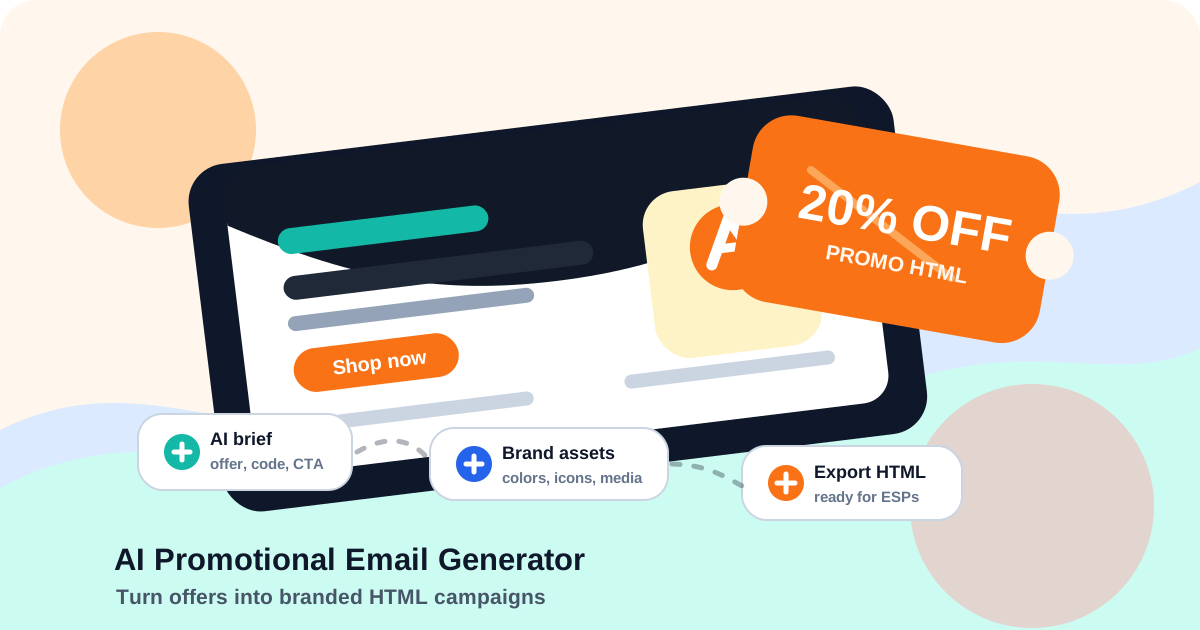
Learn how to create promotional email templates with AI, including campaign briefs, offer structure, brand profiles, product media, discount codes, responsive HTML export, and pre-send QA.
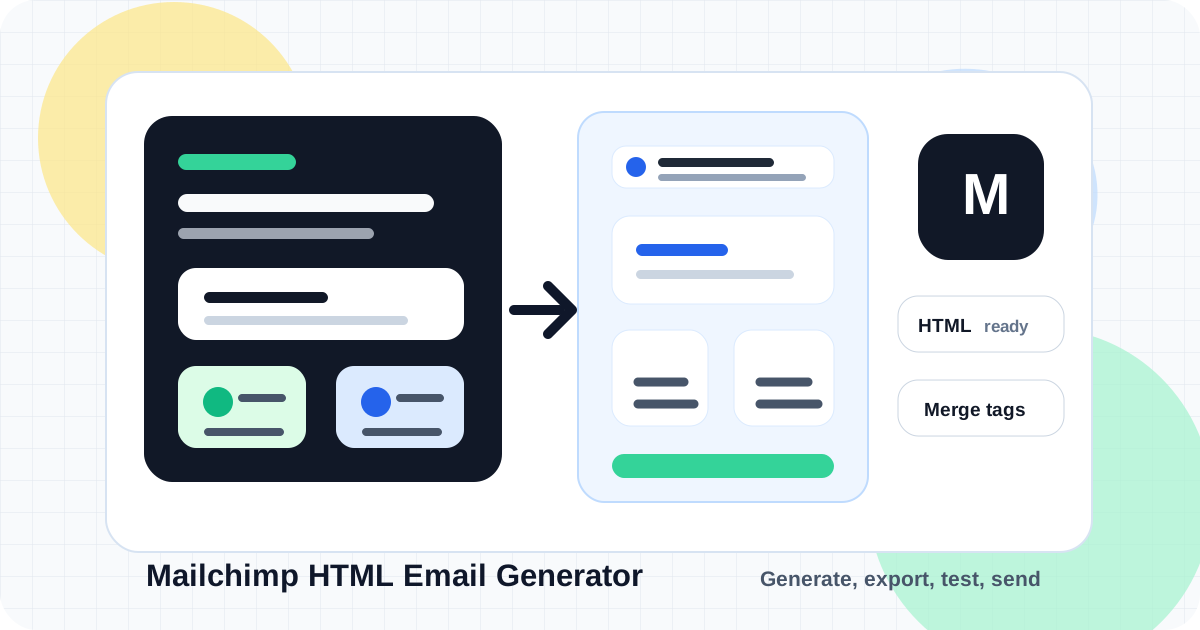
Learn how to create Mailchimp-ready HTML emails with AI, including brand setup, prompt examples, responsive HTML export, merge tags, image hosting, custom template import, code blocks, and testing.
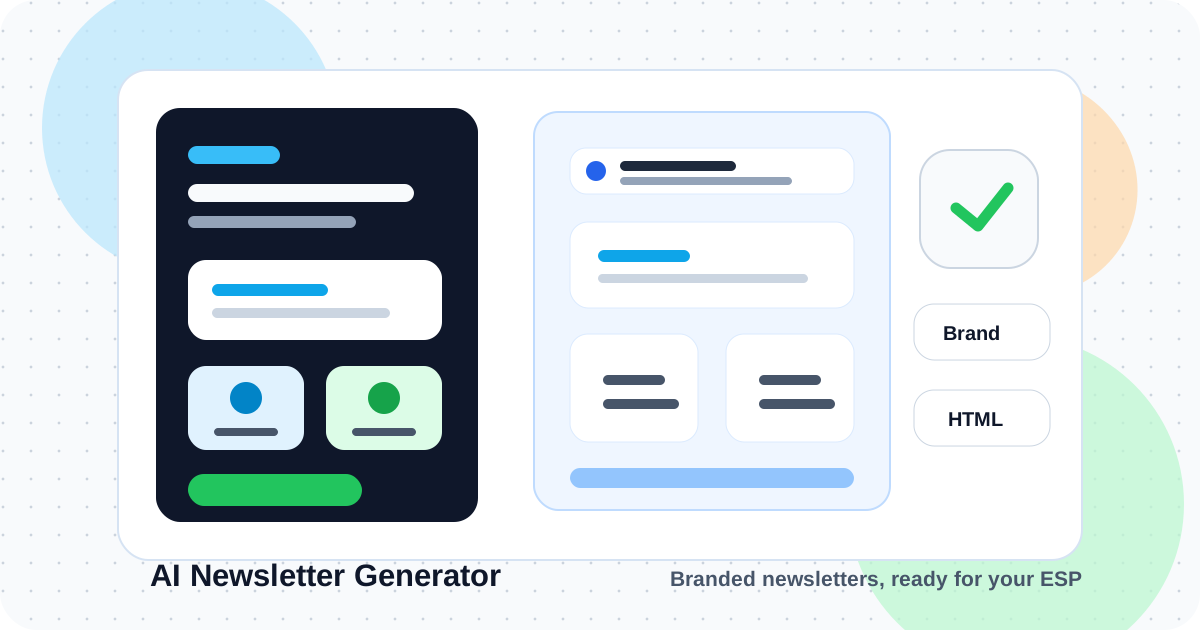
Learn how to use an AI newsletter template generator to create branded, responsive HTML newsletters with sections, icons, media, personalization, reusable prompts, and ESP-ready export.
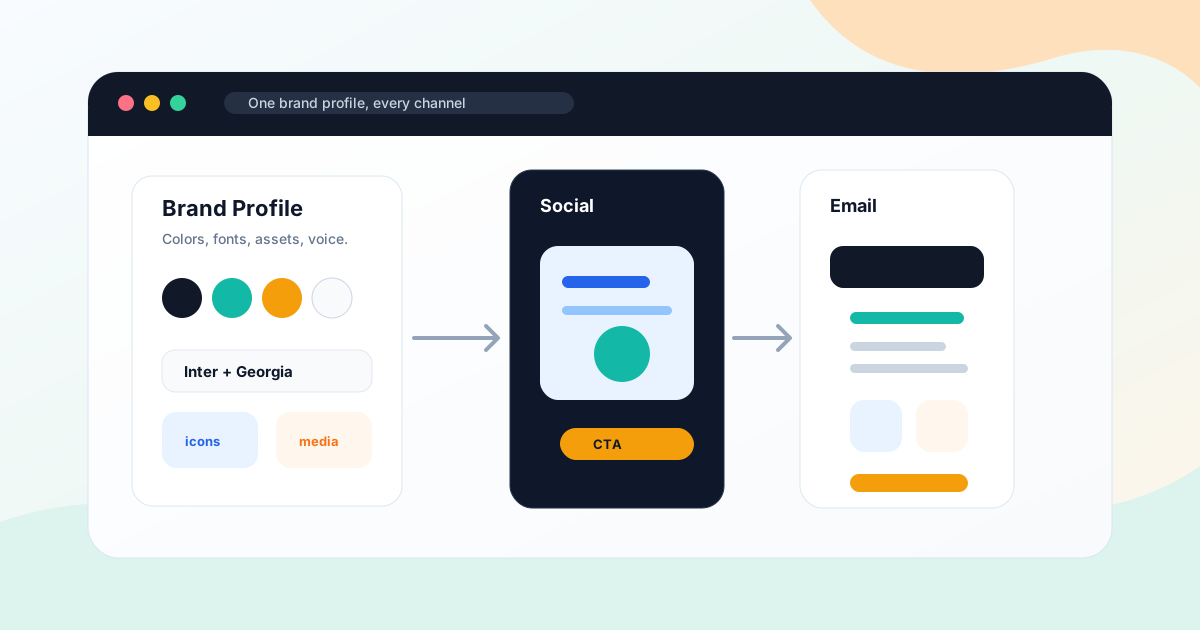
Learn how to keep AI-generated social graphics and email templates on-brand using brand profiles, colors, fonts, media assets, icons, campaign briefs, QA checks, and reusable workflows.
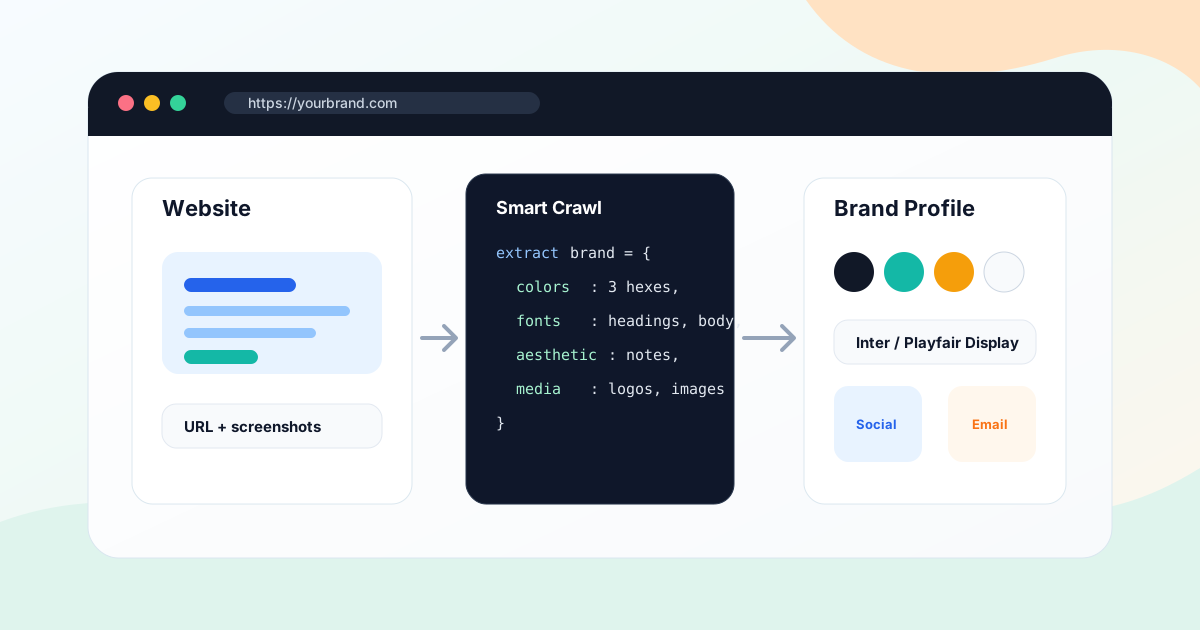
Learn how to extract brand identity from a website with AI, including colors, fonts, logo assets, visual style, products, media, brand profile cleanup, and on-brand social and email generation.
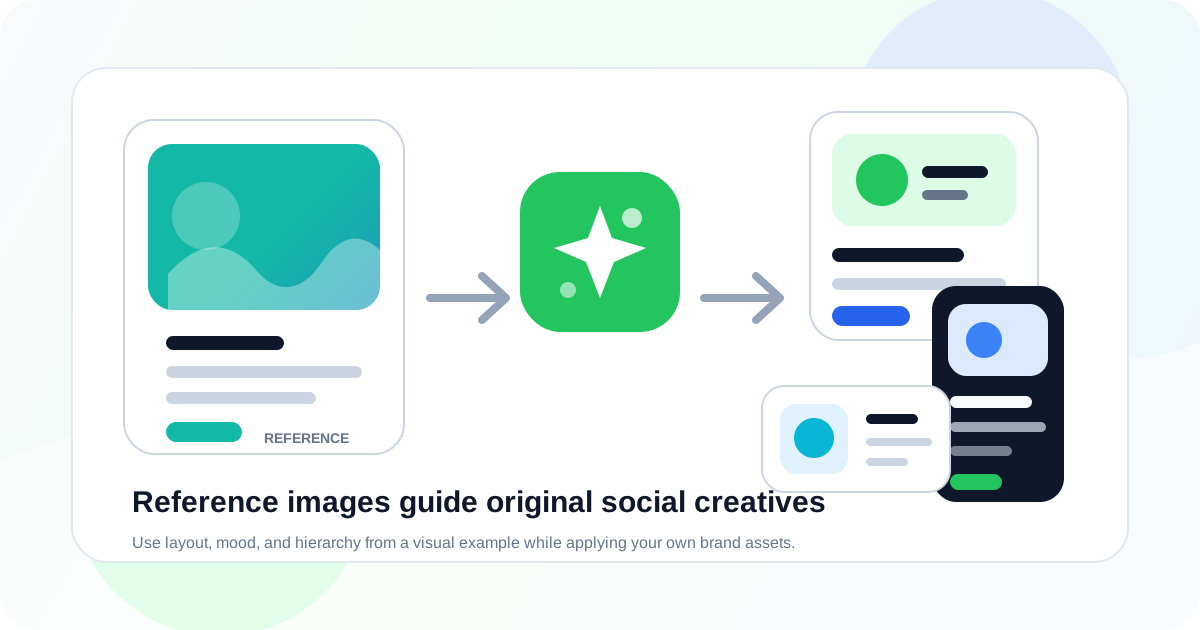
Learn how to use reference images with AI to generate on-brand social creatives, including layout direction, brand consistency, product photos, icons, format variants, and QA checks.
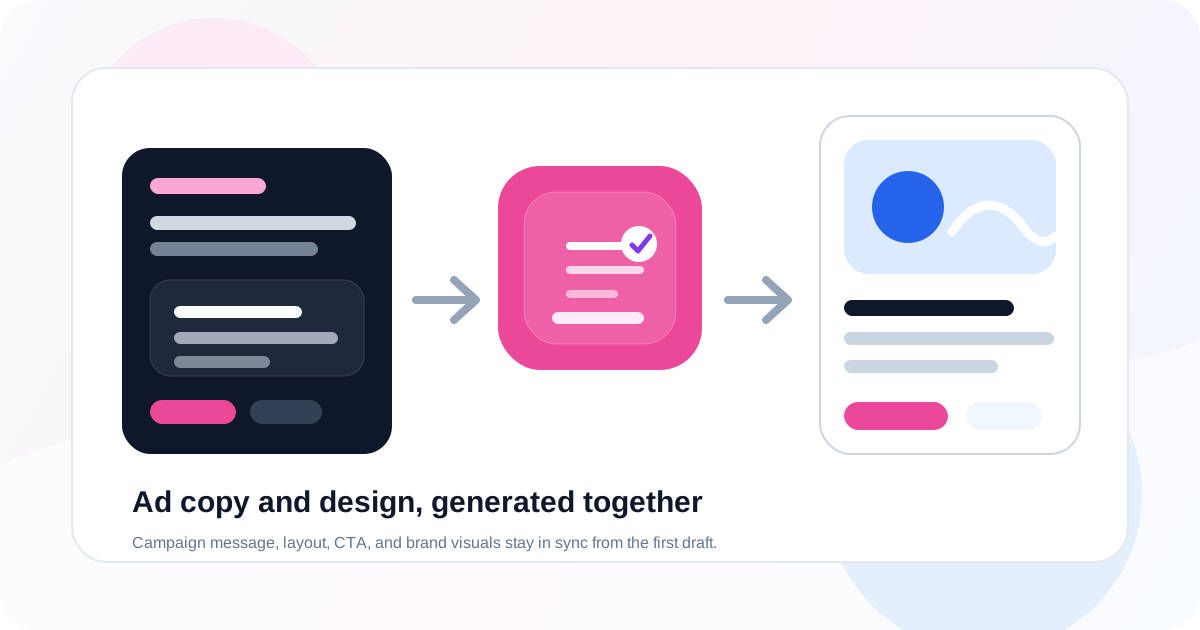
Learn how an AI ad copy and design generator creates campaign visuals, headlines, CTAs, brand-safe layouts, and reusable paid social assets from one brief.
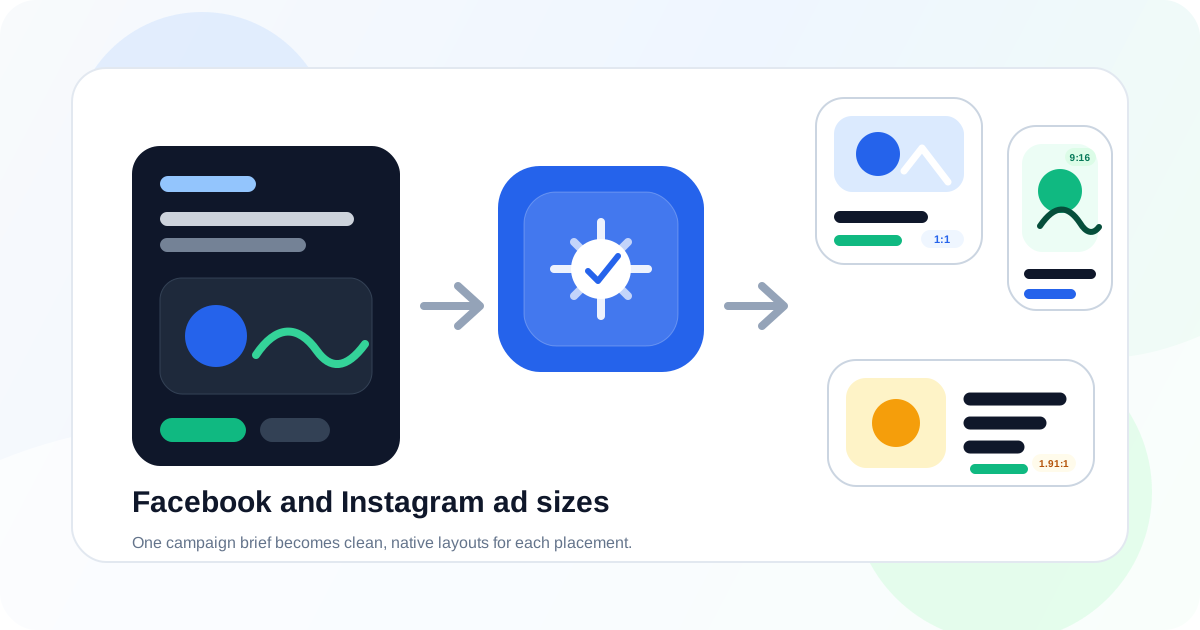
Learn how to generate Facebook and Instagram ad sizes with AI, including feed ads, square posts, stories, reels, landscape placements, brand-safe layouts, editable copy, and export checks.
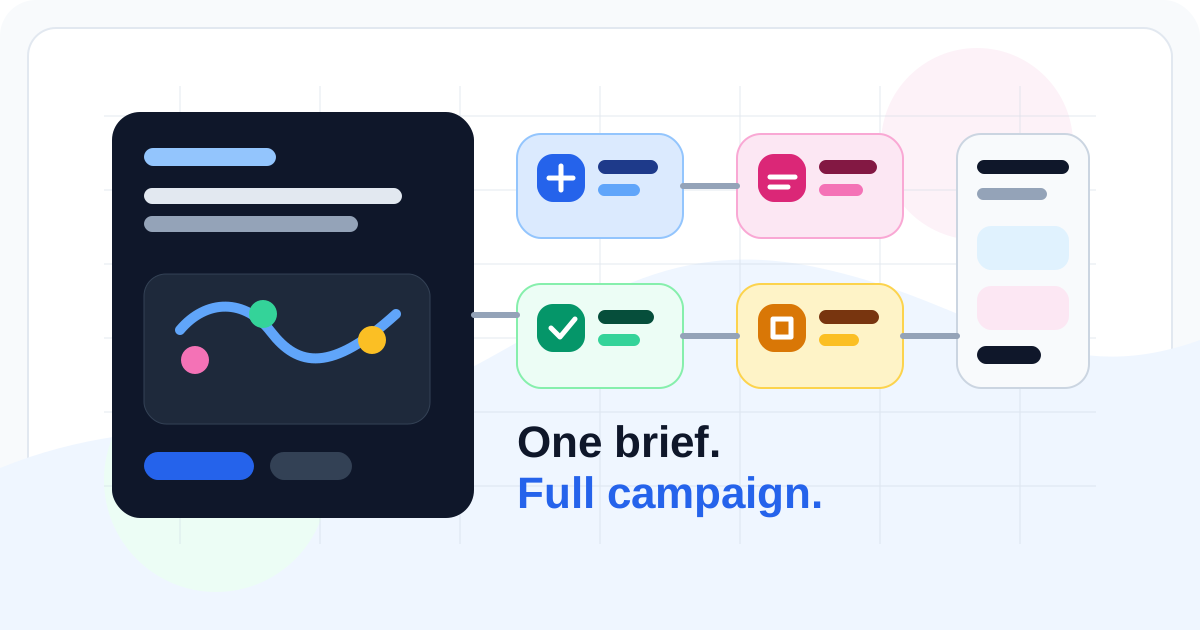
Learn how an AI campaign generator turns one marketing brief into launch assets, icons, social media graphics, email templates, brand assets, and reusable campaign creative.
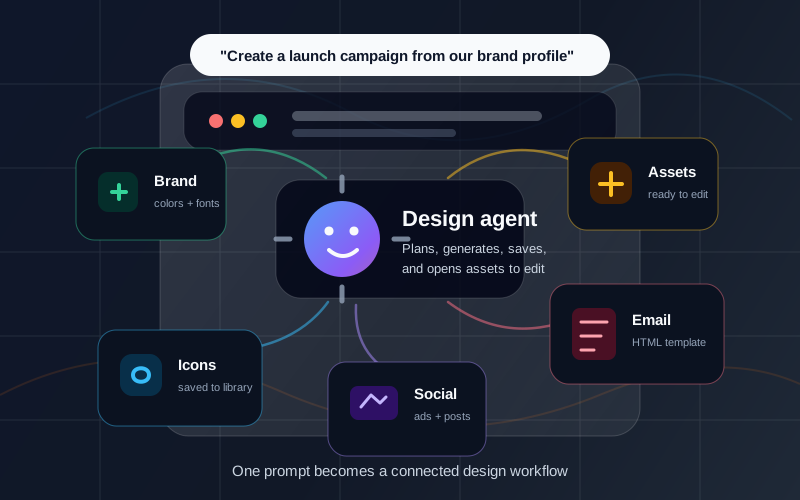
Learn how an AI design agent and agentic design workflow create campaign assets across icons, brand profiles, social graphics, email templates, reusable libraries, and editor handoff.
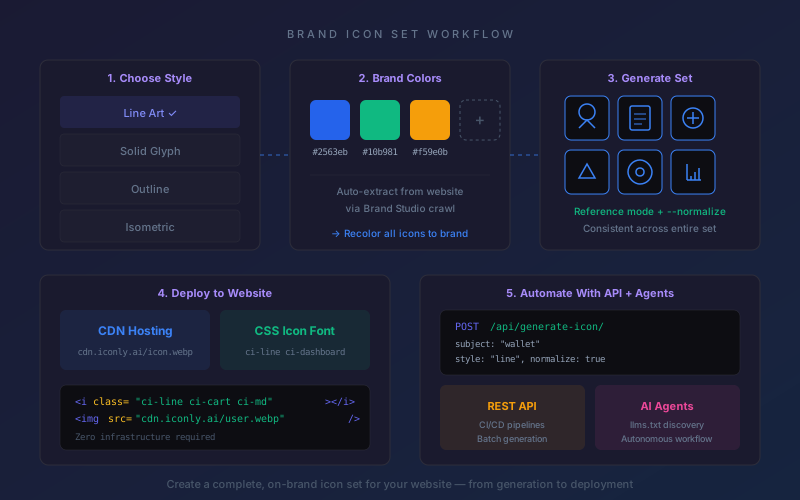
Step-by-step guide to creating a consistent, on-brand icon set for your website using AI. Covers style selection, brand color matching, CDN deployment, CSS icon fonts, API automation, and building AI agents that generate icons programmatically.
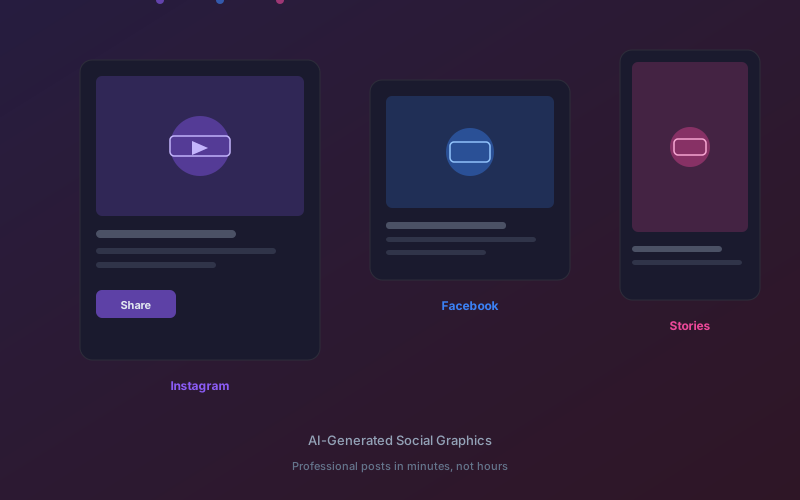
How small businesses can use AI to create professional social media graphics across Instagram, Facebook, LinkedIn, and more - without design skills or expensive tools.
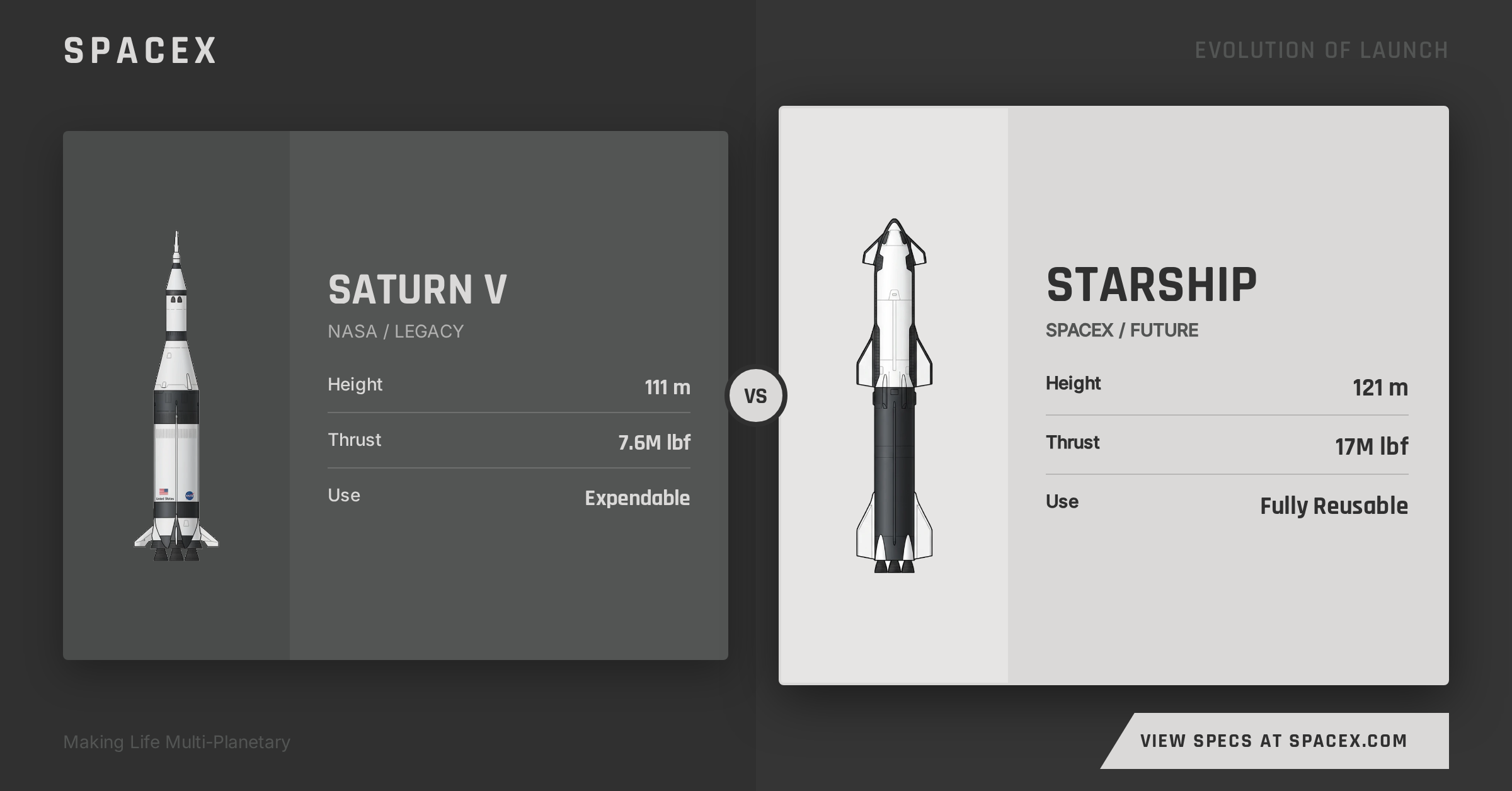
Transform custom icons into professional, platform-ready ad creatives in multiple formats - without design skills or expensive tools.
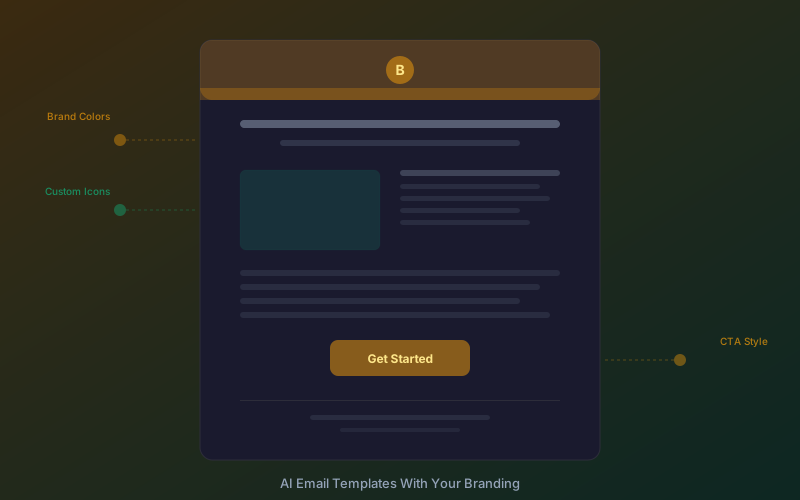
Create professional, on-brand emails in minutes with an AI email template builder. Step-by-step workflow covering custom branding, icon usage in email, merge tags, email client compatibility, and cost savings vs hiring a designer.
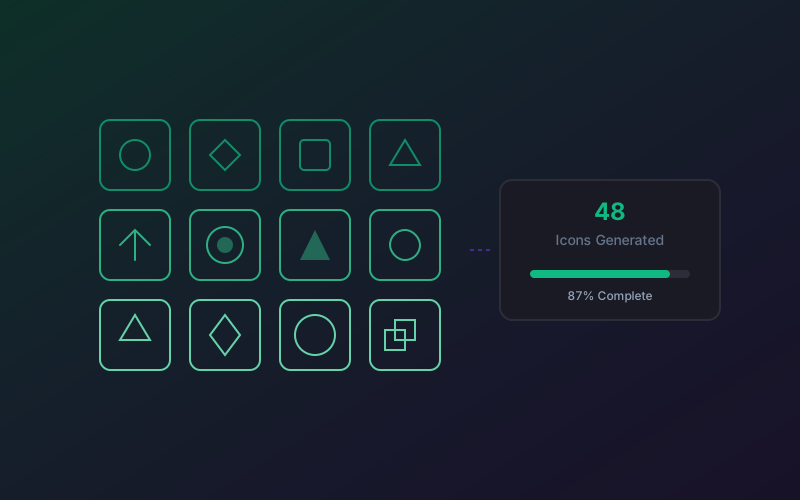
Generate dozens of consistent icons in minutes using AI batch workflows - then use them across your social media creatives, email campaigns, and brand assets from one platform.
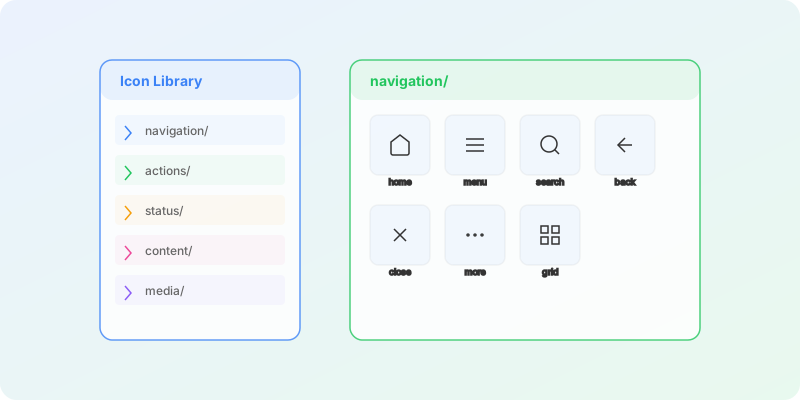
Create a comprehensive icon library for your design system using AI - with CDN delivery, CSS icon font classes, and seamless integration into your brand kit and marketing assets.
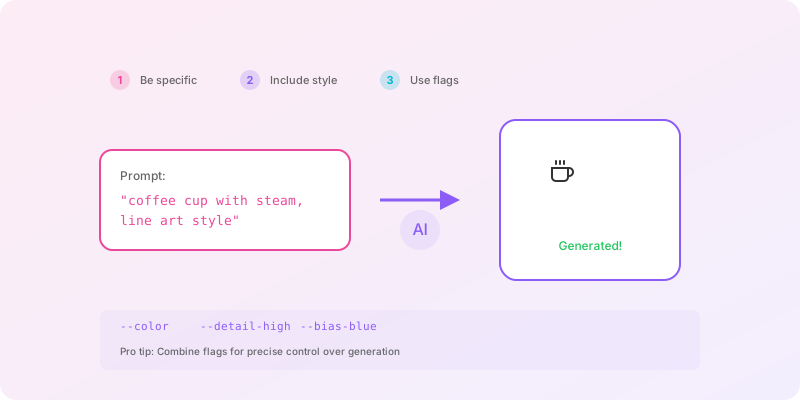
Advanced AI prompting techniques for clean, consistent, production-ready icons - plus how the same principles apply when generating social media graphics, email designs, and brand assets.
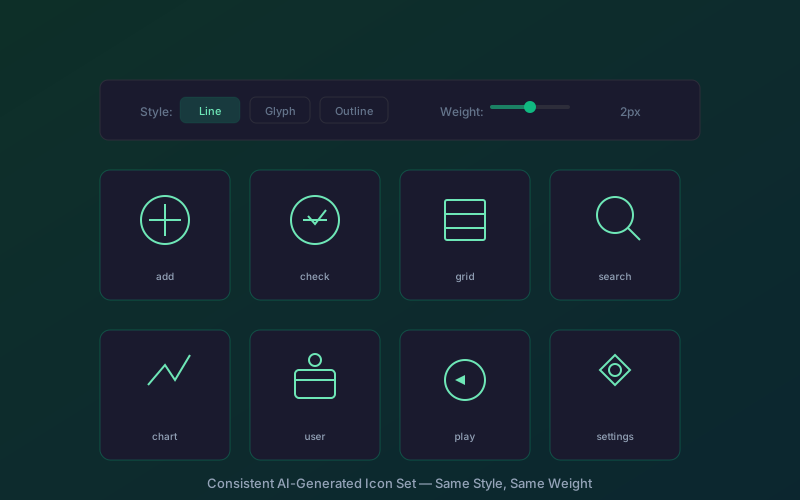
Step-by-step guide to generating a consistent, matching icon set with AI. Covers style systems, reference images, prompting techniques, editing tools, and maintaining icon consistency as your set grows.
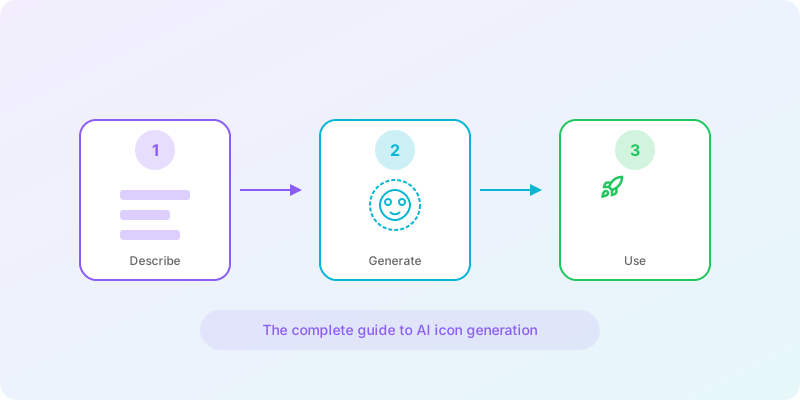
Everything you need to know about AI icon generation - from prompting techniques and style consistency to using your icons across social media creatives, email templates, and brand assets.